Hello,
The app no longer starts on my phone. See screen shot to see what it is doing. Works great on my tablet. Latest software installed.
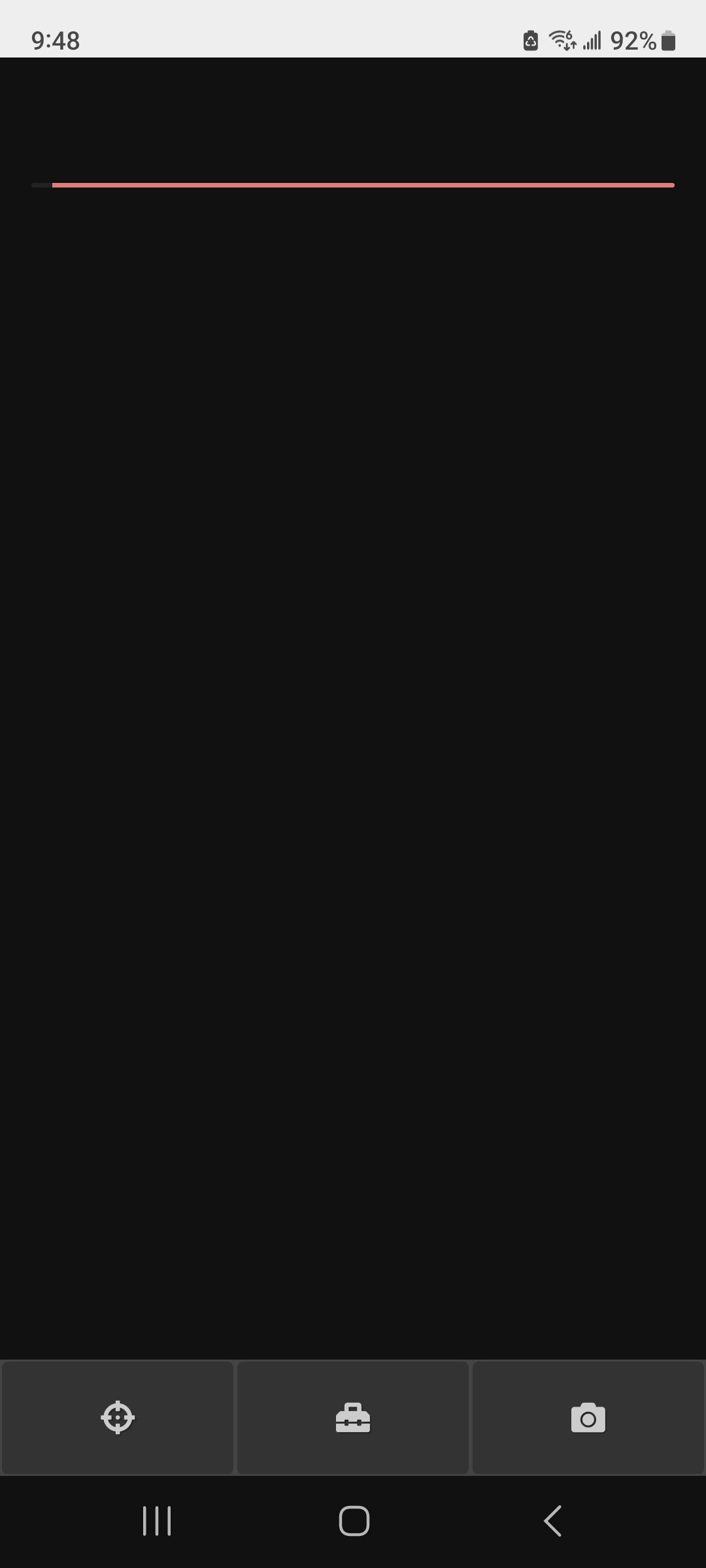
Please let me know which phone you are using and the OS version to see if I can help you.


I fired up a simulated device using that configuration but I couldn’t reproduce the issue.
I’d like to try clearing the app data/cache to see if it works. Could you please try that? You can first try with the app cache only, and if doesn’t work then all of the app data - you won’t lose anything, as everything’s saved on Telescopius server.
If that doesn’t work either, you can try clearing your browser cache for telescopius.com. Make sure you have your Telescopius app closed, then go to your browser and clear all data for telescopius.com.
Let me know how it goes!
Hello. Thanks for checking. I cleared the cache for the app. No change. I can however open it up through the web page. It wants to start the app but I cancel that. After logging in it’s all good. Just a few extra steps to get to it. I’ll keep trying through the phone app. It still works perfectly on my Samsung tablet.
Ok, so you’ve tried clearing the cache. Have you tried clearing all the data for the app and not just the cache?
I’m still not sure what could be happening, this is the first time I see this error, but if that doesn’t work, maybe reinstalling the app will?
At any rate, I’m glad you can use the app through the browser at least, let me know how it goes if you try reinstalling the app.
I did the reinstall a few weeks ago. Obviously no change. There has to be a setting. I tried to compare the phone with the tablet but didn’t see anything. I just may backup the phone and then reset it to factory specs. I can always install the backup. Again thanks for checking.
The weird thing is the app is actually firing up and drawing something. It seems to be failing at some point as if it couldn’t load the text or something like that. But reinstalling should fix that.
In the meantime, as a workaround you can add a shortcut to the website on your home screen and uninstall the app. That way you’ll be able to access it like the app and won’t be bothered canceling the dialog to open the app.
I’ll come back here when I find something.
Hello! After noticing the new version, I removed the app from my Samsung phone and reinstalled it. It’s back to working fabulously. Thank you again for your help in trying to resolve my issue.
That’s great, thanks for letting me know! 